Guides
Everything you need to make the most of awwrt. Learn the basics, explore its features, and get help with everyday tasks.
Getting started (6)
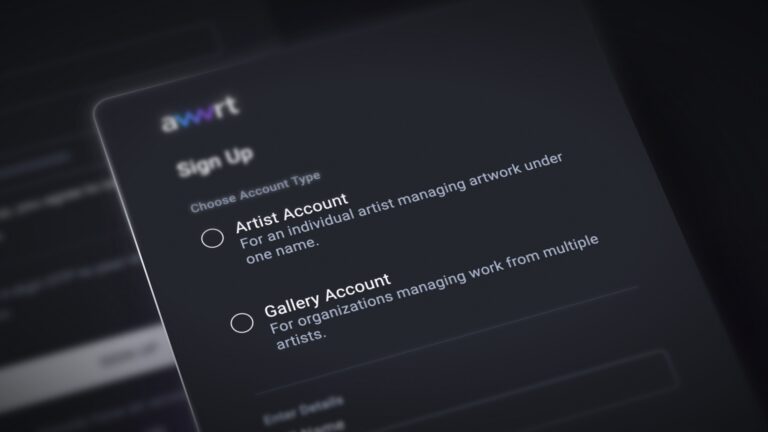 Sign Up for AWWRT and Verify Your AccountCreate your AWWRT account in a few minutes: pick Artist or Gallery, verify your email with a 4-digit code, set a password and log in.
 Getting Around the AWWRT DashboardA quick tour of the AWWRT dashboard: your latest artworks, contacts and records, quick actions, cover banner, and how to hide records.
 Set Up Your AWWRT Account SettingsSet up your AWWRT profile, address, logo, currency and measurement unit, so your invoices, consignments and reports come out right.
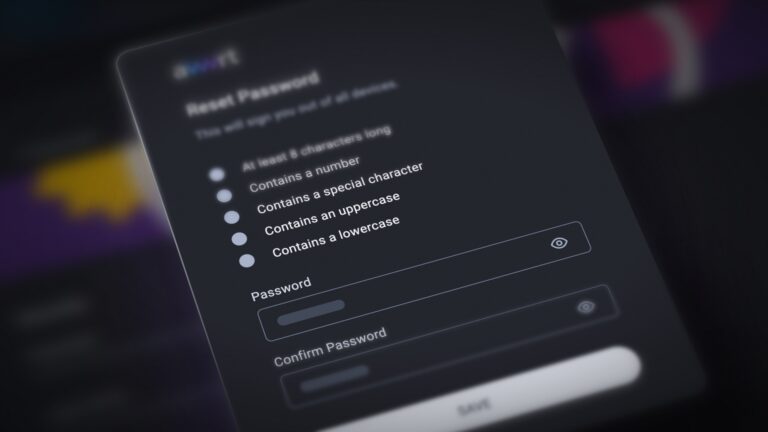 Reset or Change Your PasswordForgot your AWWRT password? Reset it from the login page. Change it in Settings → Security, and turn on login alerts and review active sessions.
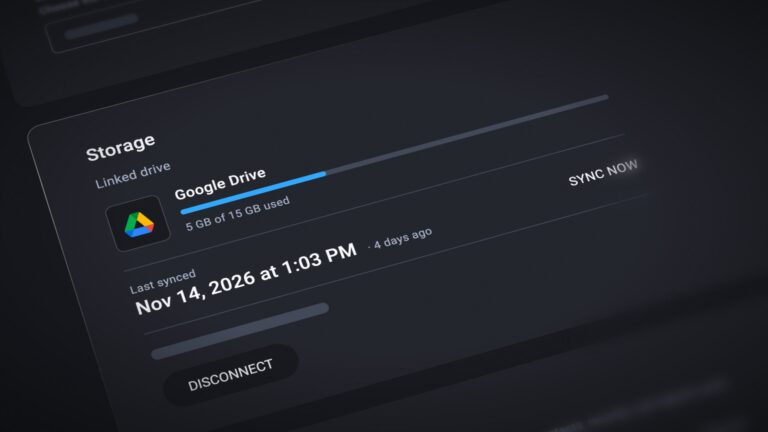 Link Google Drive to AWWRTLink your Google Drive to AWWRT so your artwork images and files are stored safely, plus how to check sync, reconnect and disconnect.
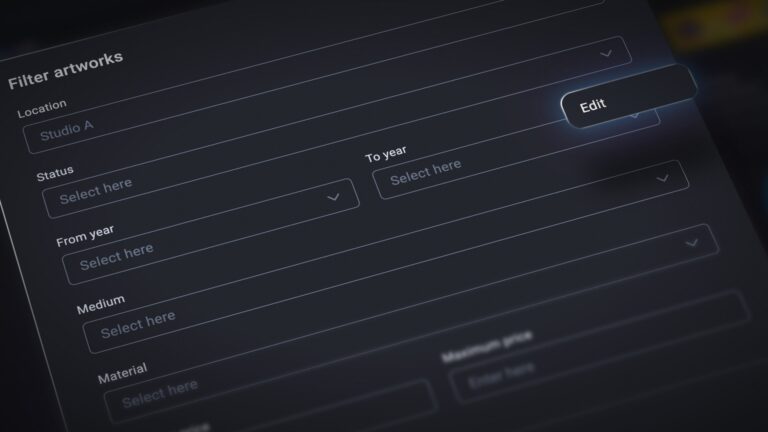 Find and Edit Artworks, Contacts, Exhibitions and RecordsFilter and switch views to find artworks, contacts, exhibitions and records in AWWRT, then edit or delete them, and see what can't be deleted.
Artworks (9)
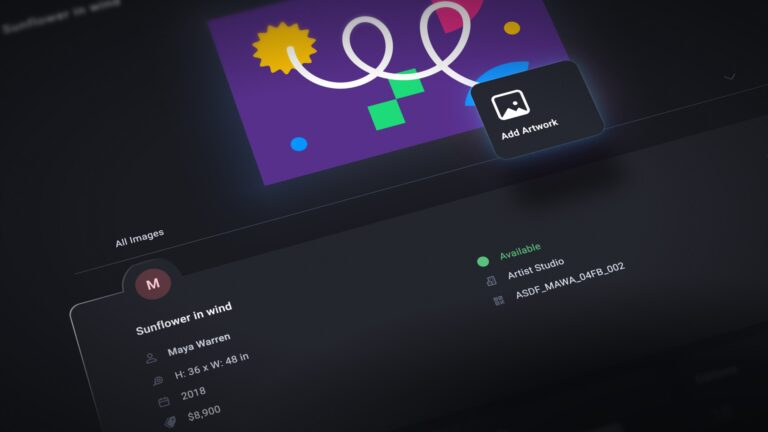 Add an ArtworkAdd an artwork to AWWRT in two steps: upload its image, then fill in title, artist, size, medium, status, year and price. See where each detail shows up.
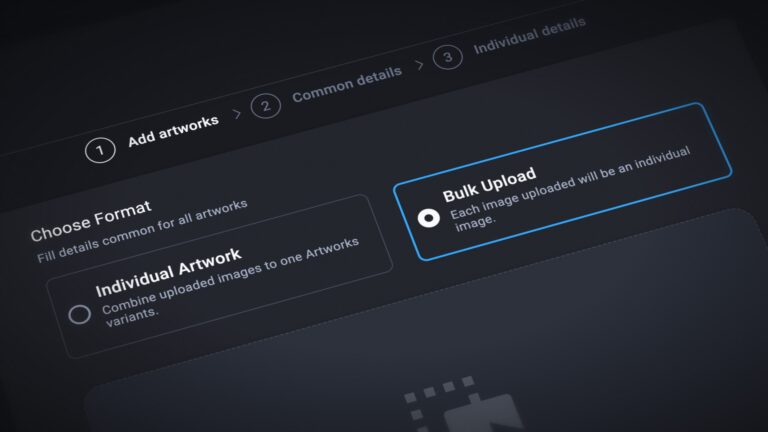 Bulk Upload ArtworksAdd up to 15 artworks at once in AWWRT: upload the images, fill in what they share, then adjust each artwork before you submit.
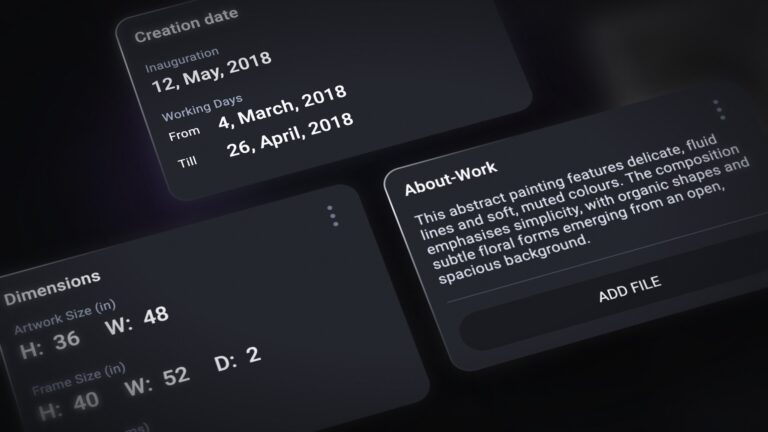 Describe an Artwork: Creation Date, Dimensions and About the WorkComplete an artwork's page in AWWRT: add when it was made, its frame size and weight, and a public description with a supporting document.
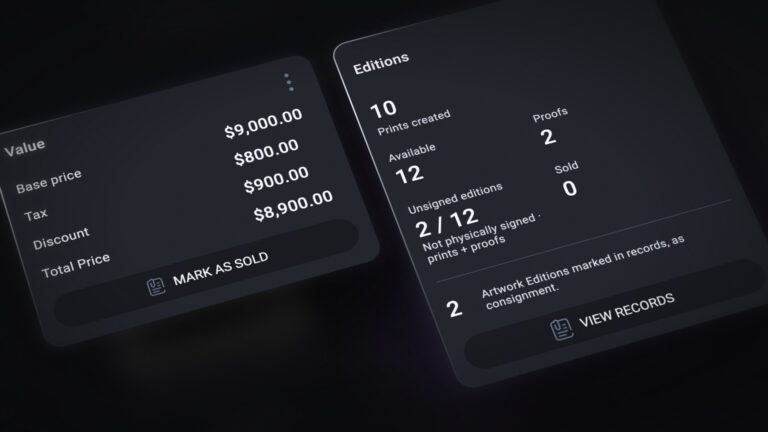 Set an Artwork’s Price and EditionsAdd a price breakdown with discount and tax, track prints, proofs and sold editions, and mark an artwork as sold on its AWWRT page.
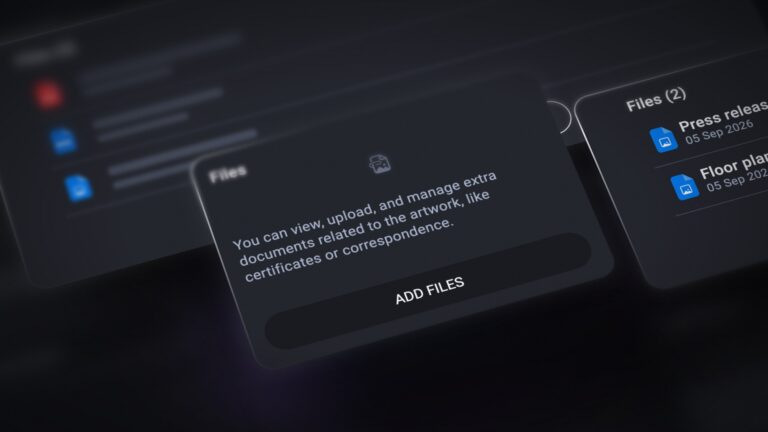 Attach FilesAttach PDFs, Word and Excel files and images to artworks, contacts and exhibitions in AWWRT, so every document sits with its record.
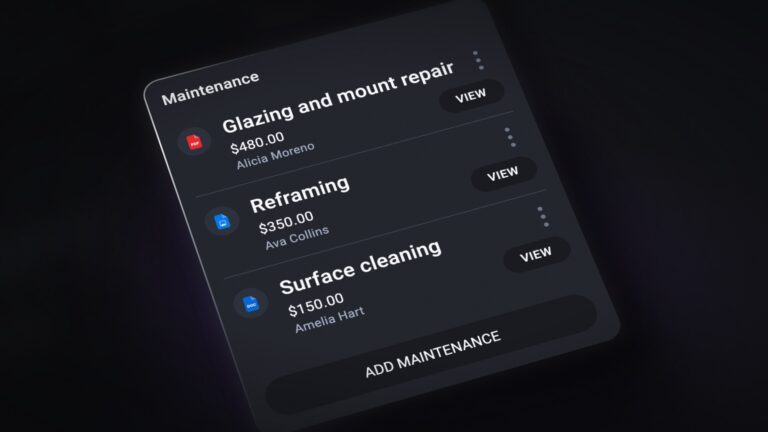 Log Maintenance for an ArtworkRecord framing, restoration and repairs on an AWWRT artwork, including who did it, the cost, the dates and a receipt, to keep its full care history.
 Create an Album and Choose Its ArtworksGroup your artworks into albums in AWWRT: name the album, pick artworks from your collection, and edit or delete it any time.
 Use an Artwork’s QR CodeFind an artwork's QR code in AWWRT, download it as a PDF or image, copy its link, hide its public page, and open the QR page editor.
 Customize Your Artwork’s QR Code WidgetSet up your artwork's QR page in AWWRT: choose the details, add a description, a YouTube video and a social link, and switch on enquiries.
Contacts (1)

Exhibitions (2)
 Add an ExhibitionCreate an exhibition in AWWRT: choose its artworks, add the venue, dates, inauguration and holidays, and link the curator and other contacts.
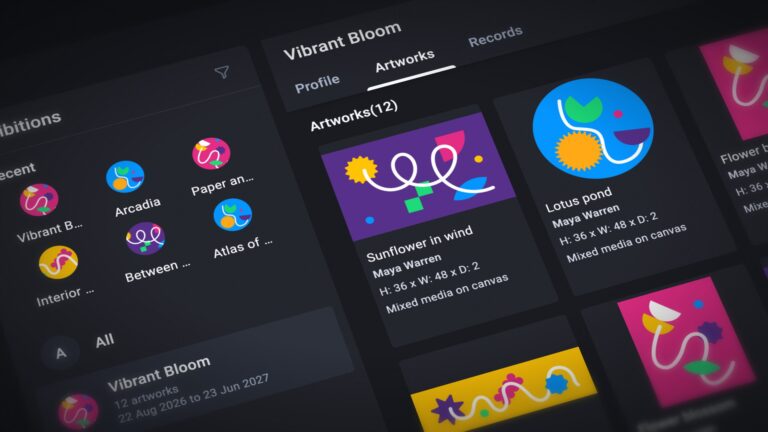 Workflow: Preparing an ExhibitionA step-by-step workflow for preparing an exhibition in AWWRT: artworks, the exhibition record, loan forms, price lists, QR labels and enquiries.
Records & sales (3)
 Add a Record: Enquiries and TrackingLog enquiries and track shipments in AWWRT: add the details and artworks, then link related records and exhibitions so everything stays connected.
 Record a Sale and Create an InvoiceRecord a sale in AWWRT (buyer, artworks, sale prices, tax, services and payments) and generate an invoice PDF. Consignments work the same way.
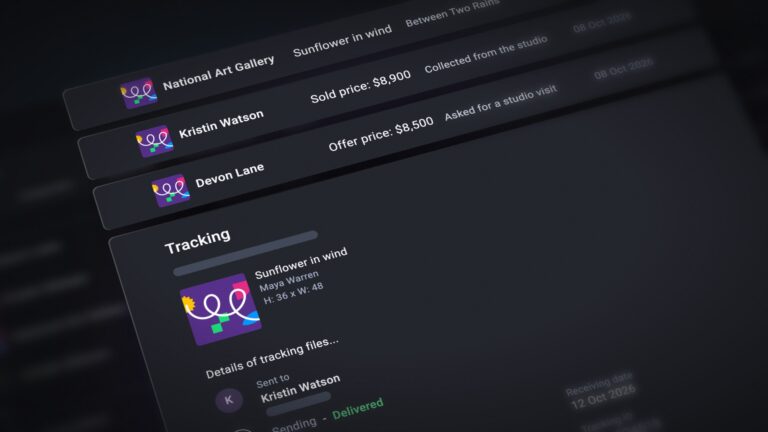 Workflow: From Enquiry to Sale to ShipmentTake an artwork from enquiry to sale to delivery in AWWRT: log the enquiry, record the sale and invoice, mark it sold, and track the shipment.
Reports (1)
No guides match
Try a different or shorter word.